Cancel a booking you made
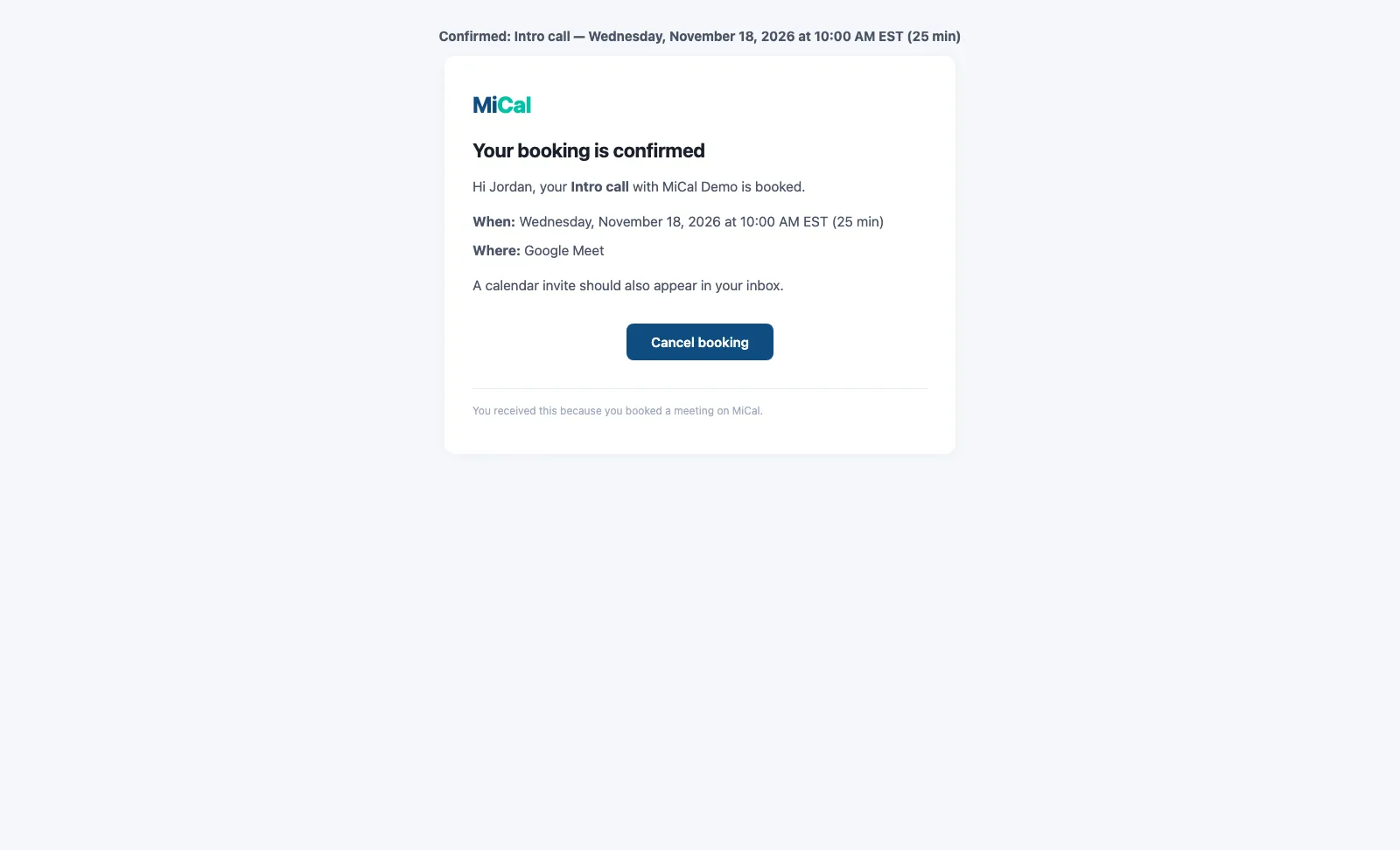
If you booked a time on someone's MiCal booking page, you can cancel it yourself from your confirmation email. You do not need to contact the host.
Before you start
You need the link from your booking. It is the Cancel booking button in your confirmation email, and the Use this link link on the page you saw right after booking. If you did not enter an email when you booked, only that page has the link.
Steps
Open your confirmation email and select Cancel booking.
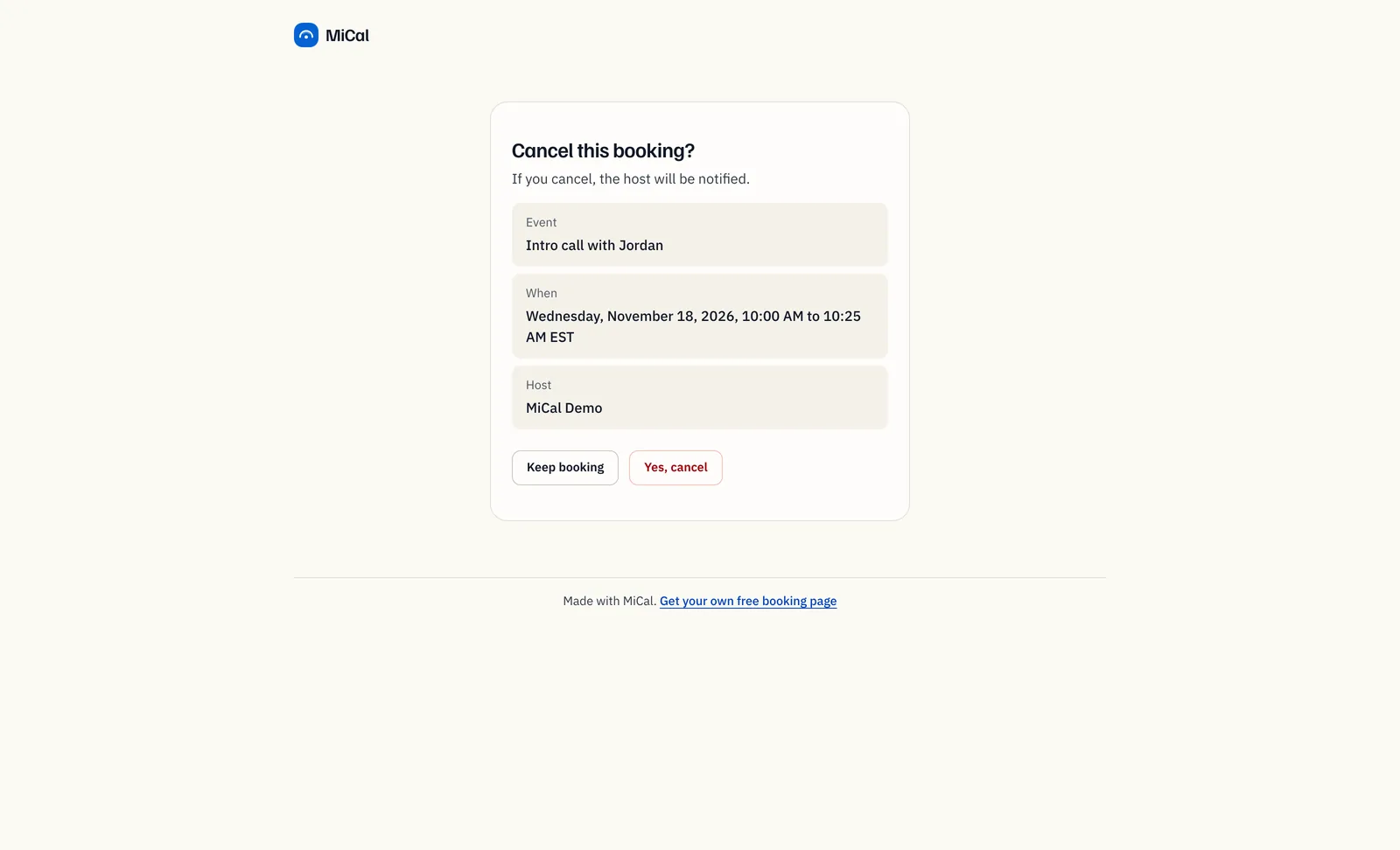
Check Event, When, and Host. Select Yes, cancel. Select Keep booking to close the page without canceling.
The page says Booking canceled. The event is removed from the host's calendar and the time opens up again.
Notes
If the page says Already canceled, there is nothing more to do.
You can't undo a cancellation. To get a time again, book again from the host's link.
If the booking came from a single-use link and has not started, the same link works again for a new time.
Still stuck? Email support@mical.net. Privacy · Terms