Edit or delete an event
Open one of your own events in MiCal to change its title, time or place, or to delete it. MiCal writes the change to your Google, Outlook or iCloud calendar.
Steps
Open the event. Select it under Coming up on Home, on the Calendar page, or on a group's Schedule (only events with your name on them open).
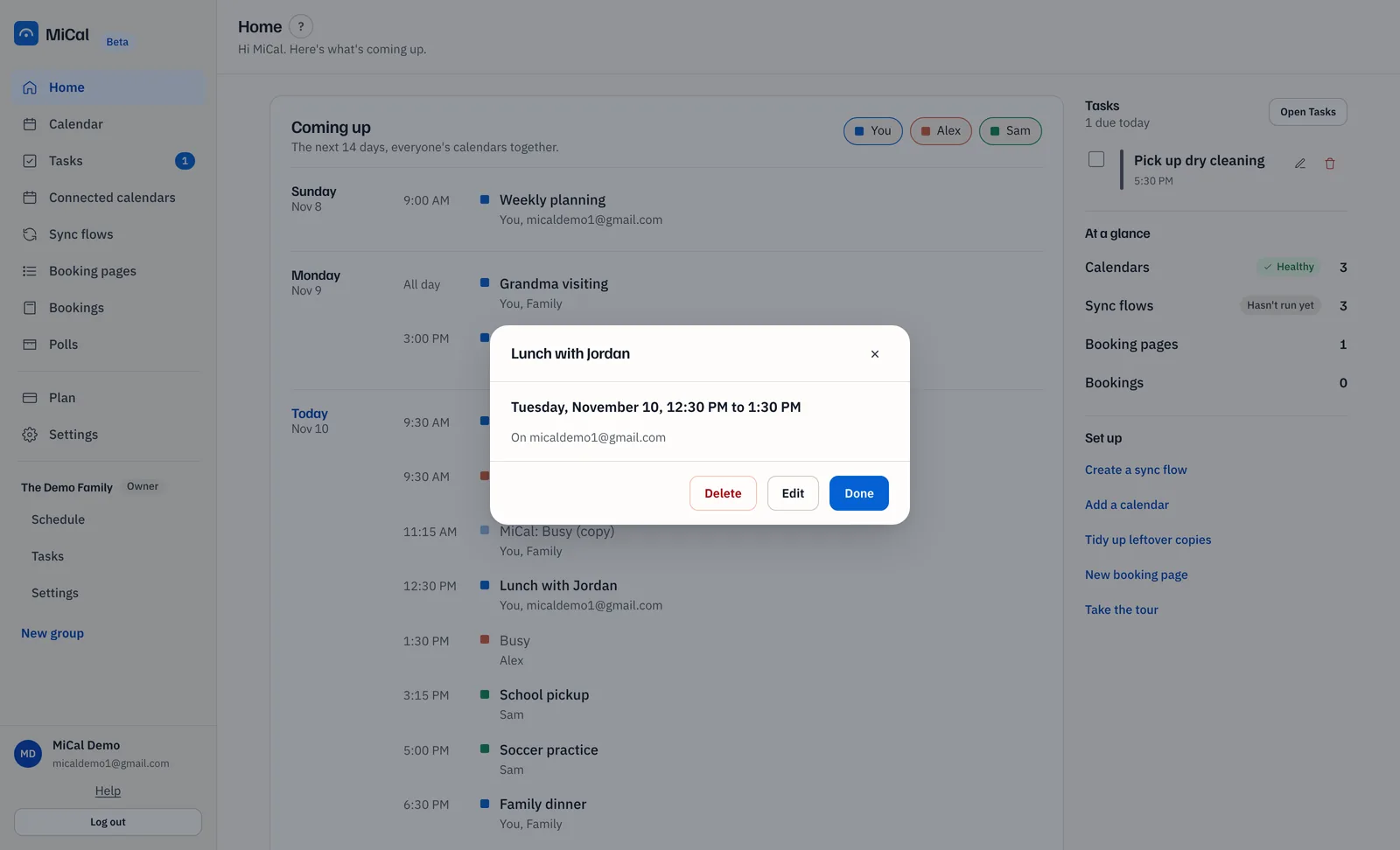
Select Edit. Change Title, Starts, Ends or Location (optional). An all-day event has no Starts or Ends.
Select Save. MiCal shows "Event updated."
To delete instead, select Delete, then Yes, delete. Keep it closes the prompt. The event is removed from the calendar named in the prompt.
Events you can't change
A copy MiCal keeps in sync follows its original. It has no Edit or Delete. Change or delete the original.
An event someone else organizes can only be changed by them. Its button reads Remove from my calendar. The event leaves your calendar, and the invite isn't declined.
Events on a read-only link, or on a calendar you turned off, can't be changed in MiCal.
Notes
Changes to a repeating event apply to that one occurrence.
Deleting an event with guests doesn't email them.
Only title, time and location can be changed here.
Still stuck? Email support@mical.net. Privacy · Terms