Link to a section of MiCal
Each section of MiCal has its own address. Copy it from your browser's address bar to bookmark the section, keep your place after a refresh, or send it to someone.
Steps
Select a section in the sidebar, such as Home or Bookings. The address ends with a # and the section's name, for example
#bookings. Home is#overview.
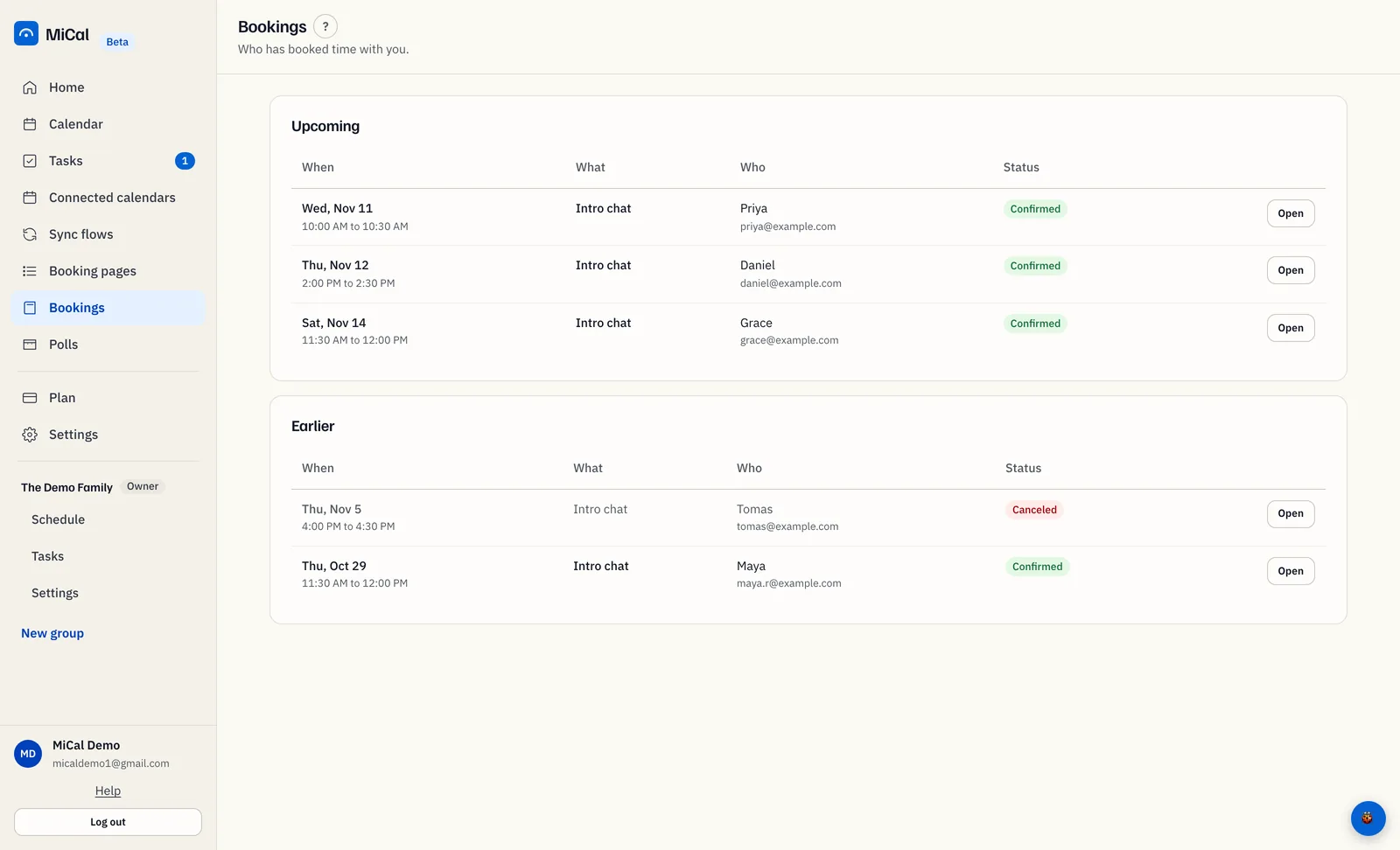
Copy the address from the address bar. Press Ctrl+L on Windows or Cmd+L on a Mac to jump to it.
To link to a group's schedule, select Schedule under the group's name in the sidebar, then copy the address the same way. Each group has its own address.
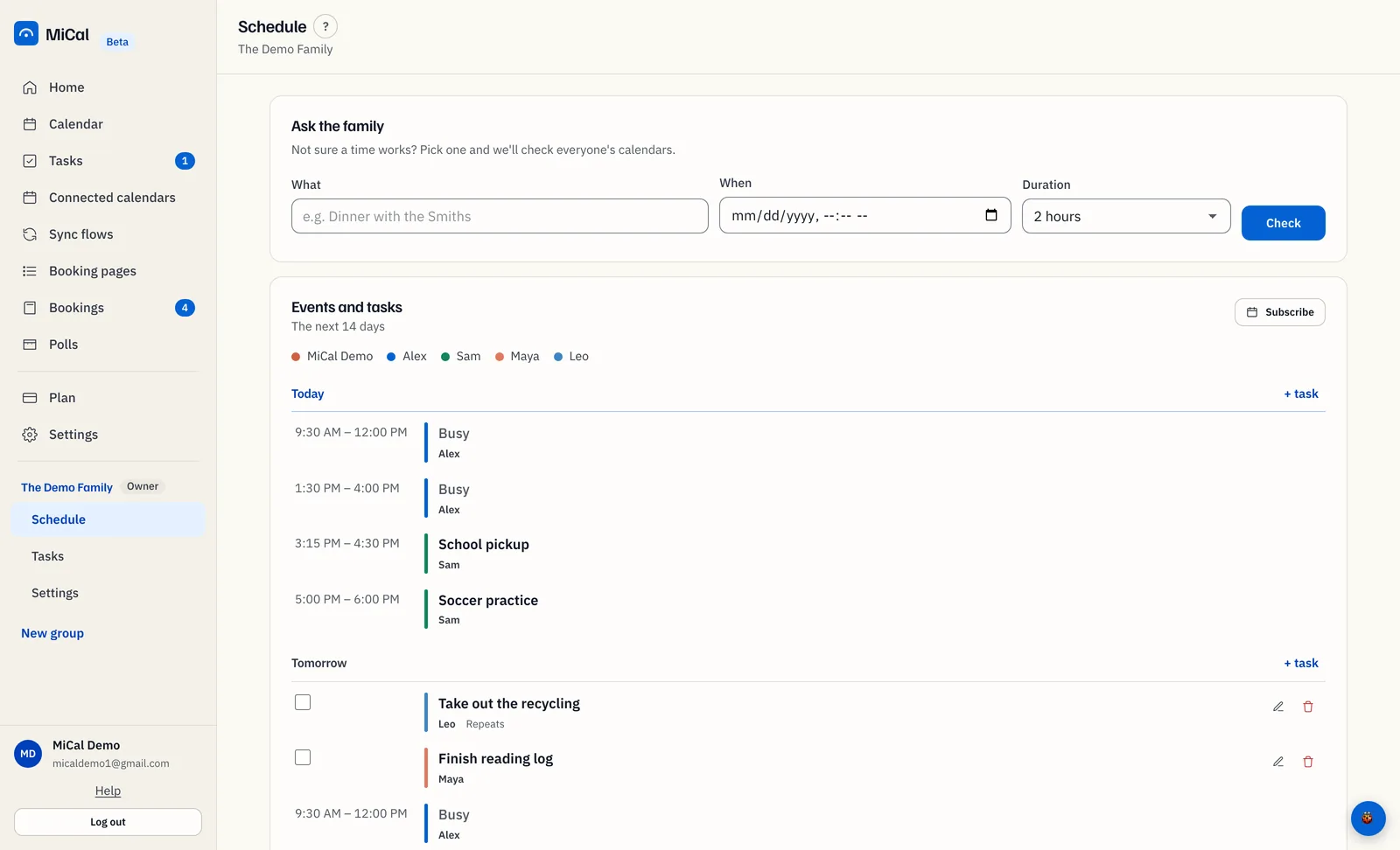
What the link opens
The address opens that section in a new tab. Refresh keeps you in the same section, and your browser's back button returns to the section before.
A group's Schedule address opens for members of that group. Anyone else lands on Home. If you are signed out, MiCal asks you to sign in first and then opens the section.
Notes
Copy the address after you reach the section you want. It changes as you move around.
An address for a section that no longer exists opens Home.
Paste a section address into a new tab to check it opens where you expect.
Still stuck? Email support@mical.net. Privacy · Terms