Rename, retype or delete a group
Rename a group, switch it between Family and Team, or delete it, from the group's settings.
Before you start
Rename and Delete group are for the group's owner only.
An owner or an admin can switch the type.
Open the settings
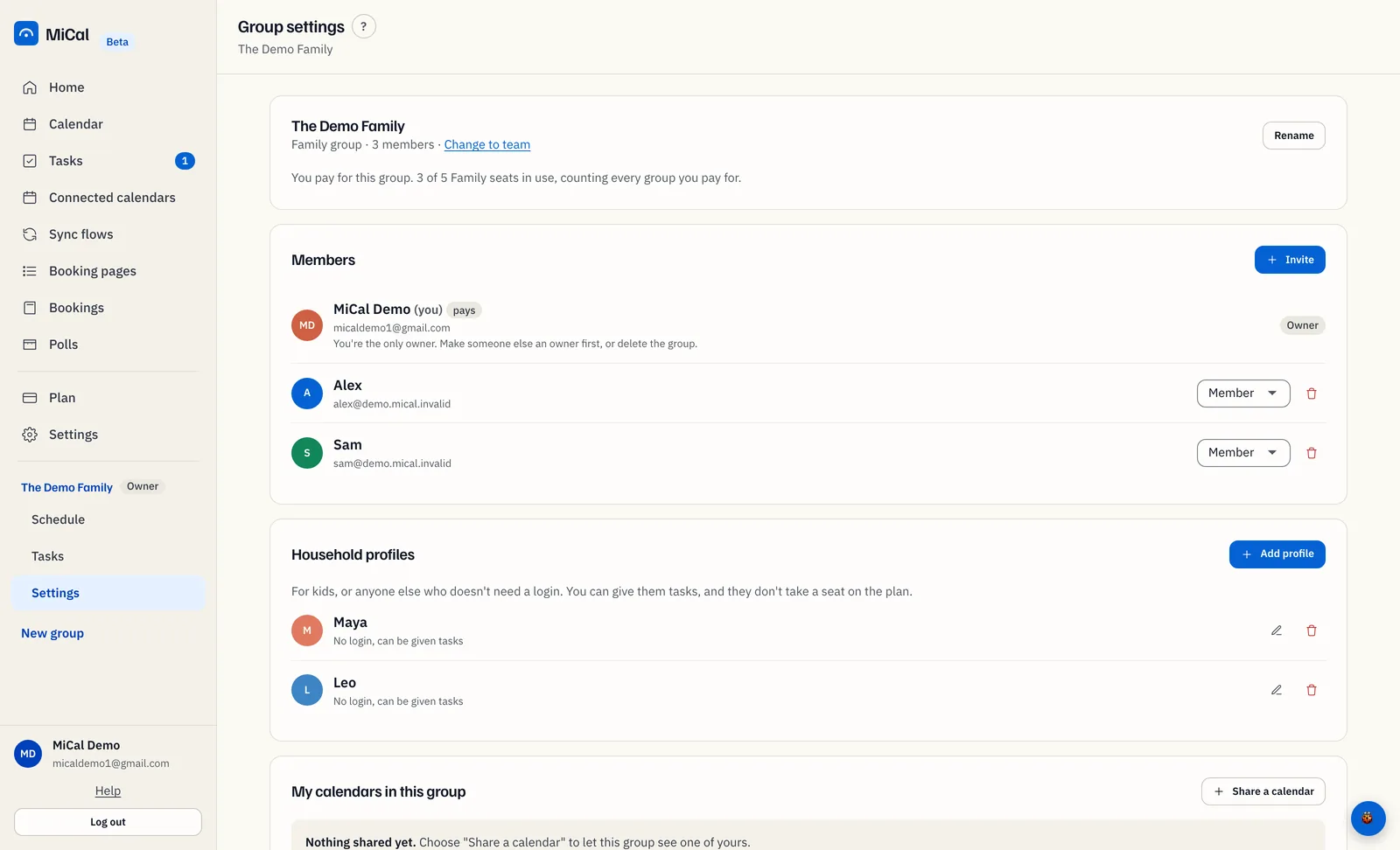
In the sidebar, select Settings under the group's name. The top bar shows the group name with Group settings.
Rename
On the group card at the top, select Rename.
Type the new name in Group name and select Rename.
The sidebar and top bar show the new name. Members and shared calendars do not change.
Switch between Family and Team
On the group card, select Change to team (or Change to family), next to the member count.
Select Make it a team (or Make it a family). It applies at once.
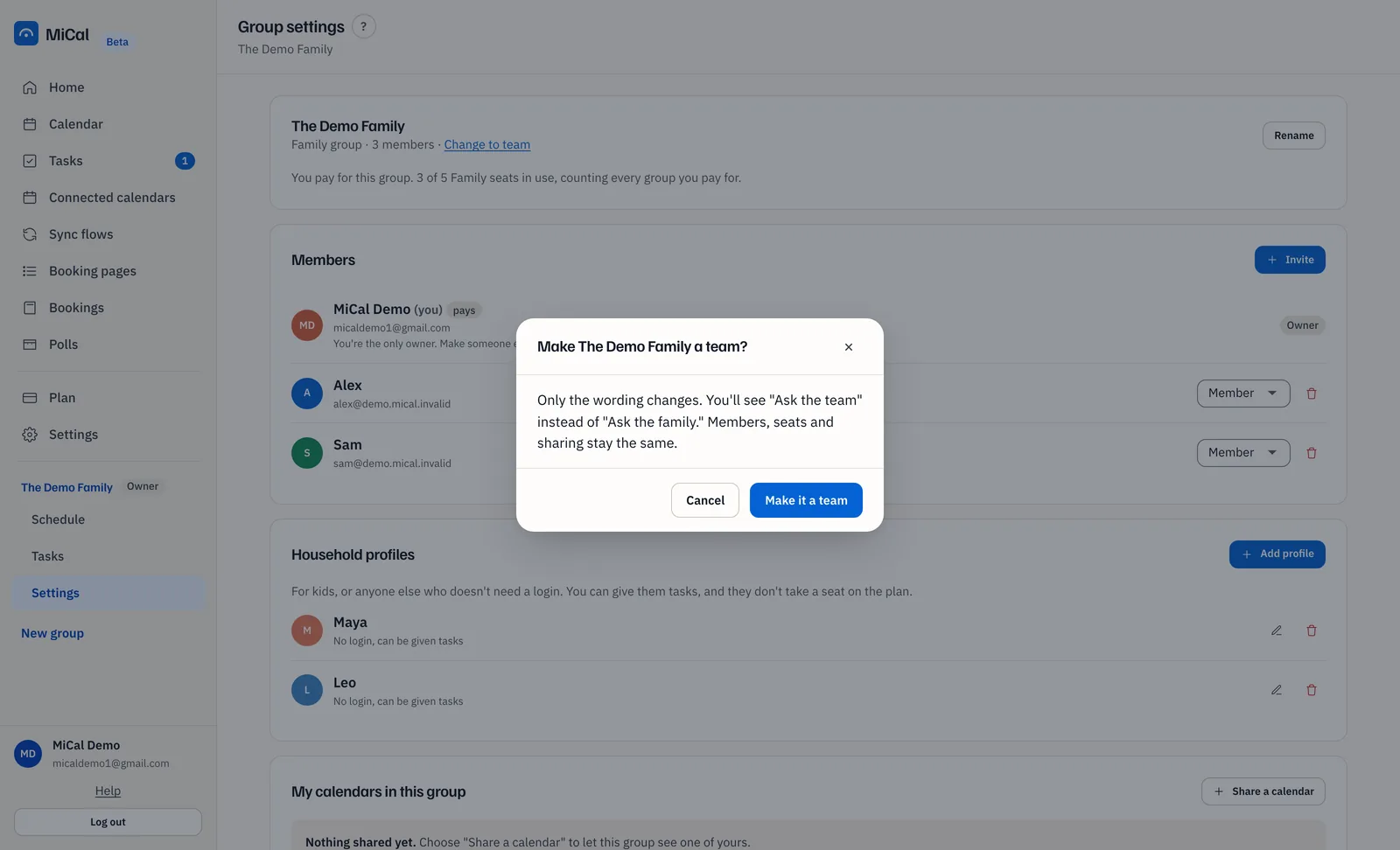
Only the words change. Ask the team replaces Ask the family, and the reverse. People without a login replaces Household profiles, and the reverse. Members, seats and sharing stay the same. Seats come from the plan that pays for the group, not from its type.
Delete
Scroll to Danger zone and select Delete group.
Type the group name in Type the group name to confirm, then select Delete group.
MiCal returns you to Home.
Deleting removes the group's sharing settings and the sync flows that belong to it. Everyone keeps their own calendars and personal data. It cannot be undone.
Notes
Admins can invite and manage members. Only the owner can rename or delete.
On a phone, open Family, then Sharing and group settings.
Still stuck? Email support@mical.net. Privacy · Terms