Share your booking links
You can share one booking page, or send one link that lists all of them. The person booking does not need an account. They pick a time, add their details, and it lands on your calendar.
Before you start
At least one booking page that is on. See Create a booking page.
Share one page
Select Booking pages in the sidebar. Each page under Your booking pages shows its link.
Select Copy link beside the page. Paste it into a message, an email or your site.
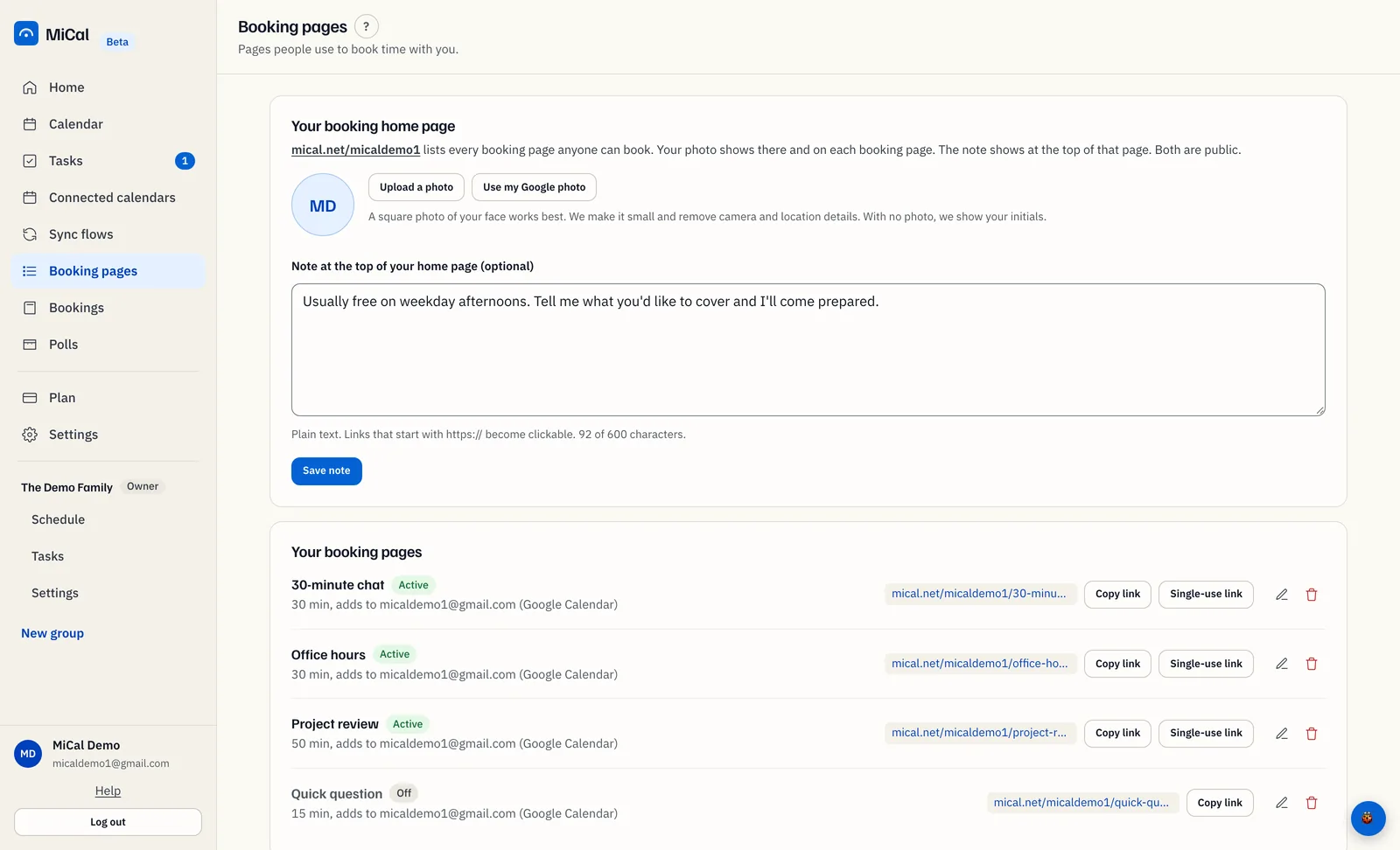
Right after you create a page, the dialog Your booking page is live also has a Copy button. A page that is off has no Copy link.
Share all your pages with one link
Your booking home page lists every page anyone can book, one card each. New pages appear there on their own.
Select Booking pages. At the start of the Your booking home page card, find the address.
Select it to open the page, then copy the address from your browser.
Pages that are off, need a pass, or belong to a group are not listed.
Set your booking handle
Your handle is the start of every link you share. MiCal makes one from your email when you sign up.
Select Settings in the sidebar.
In the Booking handle card, type your handle in Handle. The text above the field shows how your links will start.
Select Save handle.
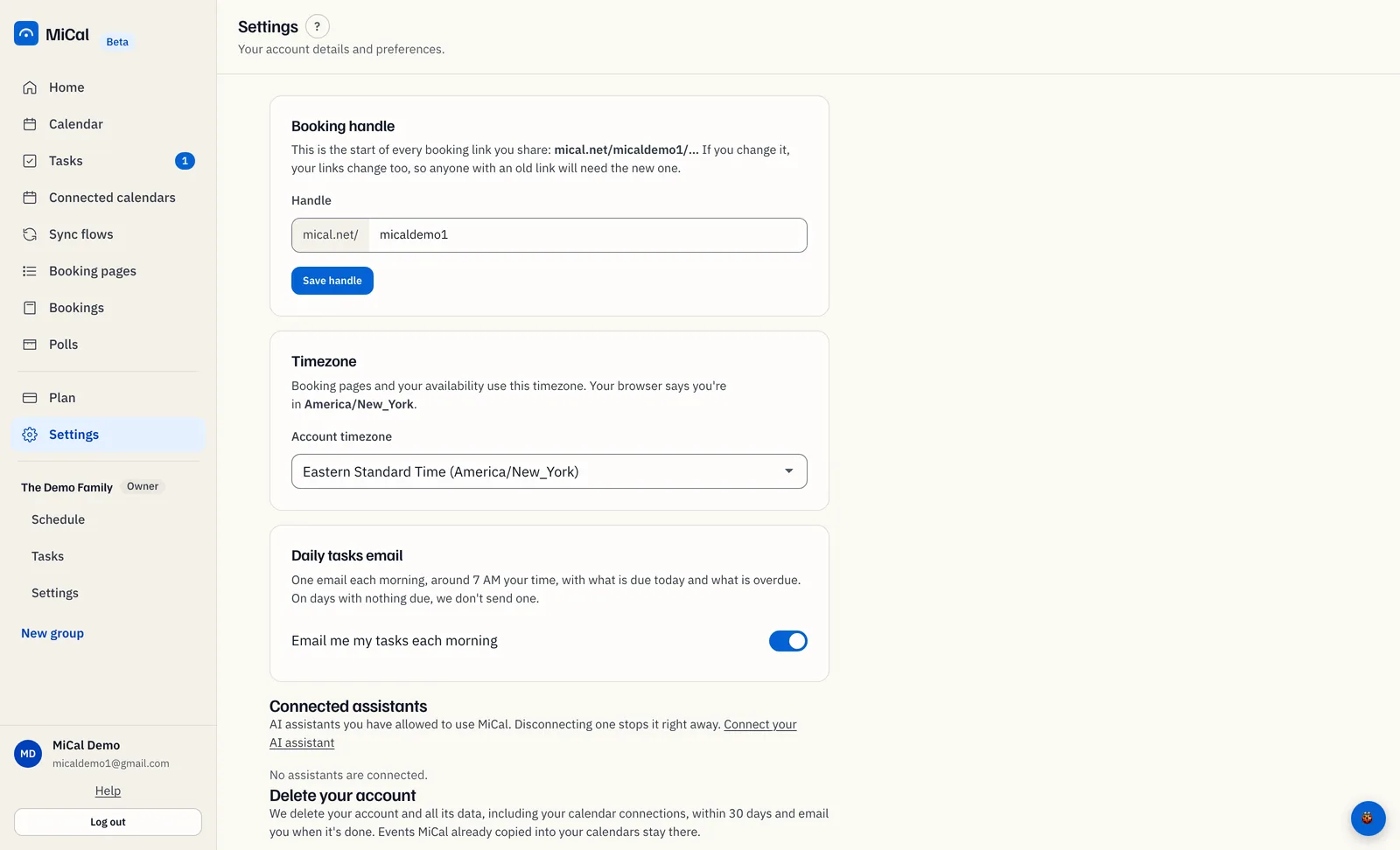
A handle is 2 to 39 characters: lowercase letters, numbers and hyphens. It must start with a letter or a number. Some names are reserved.
A handle another account uses cannot be saved. Try a different one.
Changing your handle changes every link. Old links stop working, so send the new ones.
When your own web address is ready, the card shows it with a Live badge. Until then, links use the path form, such as
www.mical.net/handle/page.
Shorten one page's link
A page's link is your handle plus the page address. MiCal fills the page address in from the name. You can replace it.
On Booking pages, select the pencil icon (Edit) on the page.
Select More options. In Page address, type the short ending you want. Use letters, numbers and hyphens only.
25is easier to say than25-minute-meeting.Select Save changes. The list shows the new link.
Links you already shared with the old ending stop working. Share the new link.
On your phone
Tap Booking at the bottom of the screen. Your home page address is under the title.
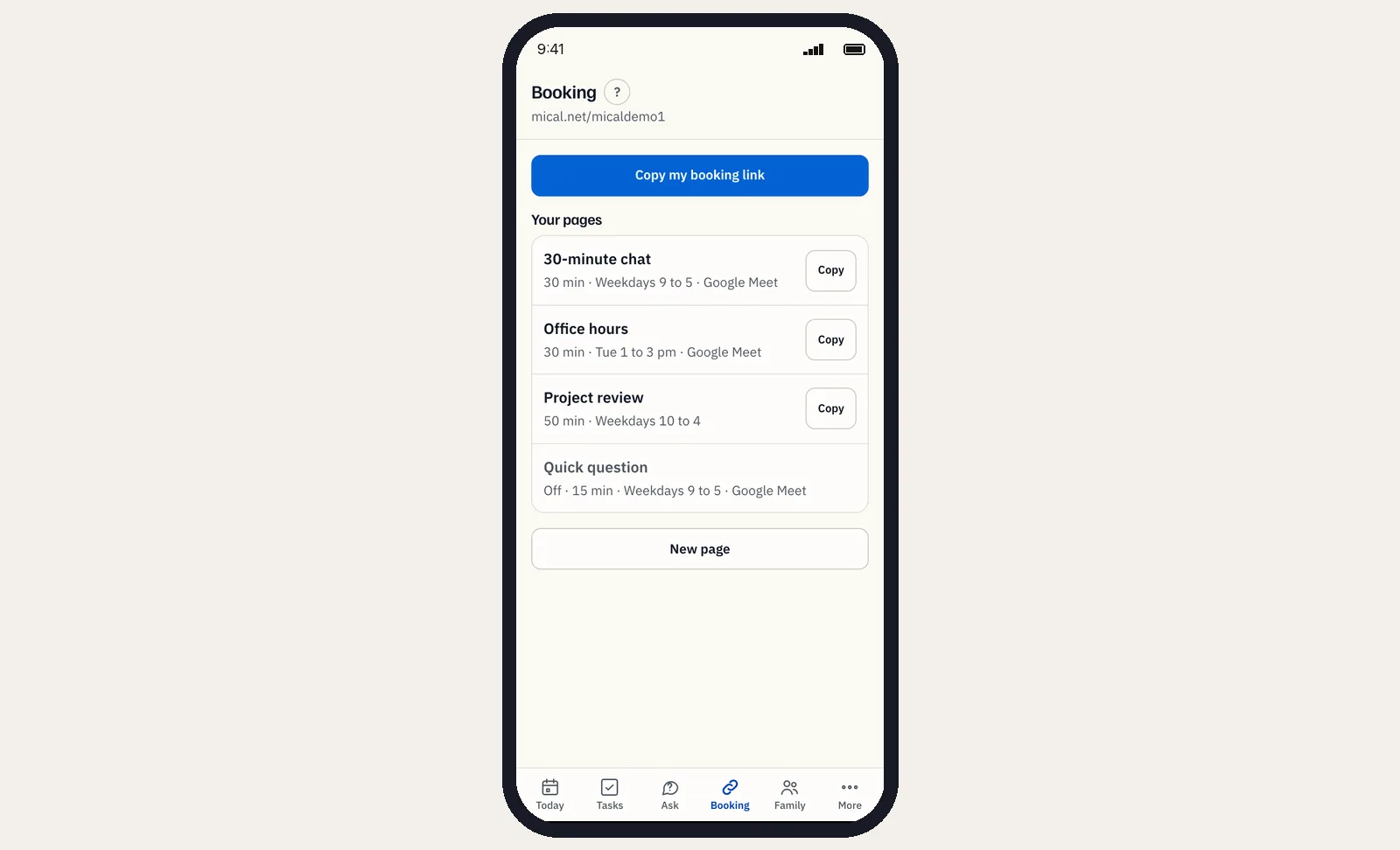
Tap Copy my booking link to copy the home page link. It appears once a booking page is on.
To copy one page's link, tap Copy beside the page under Your pages.
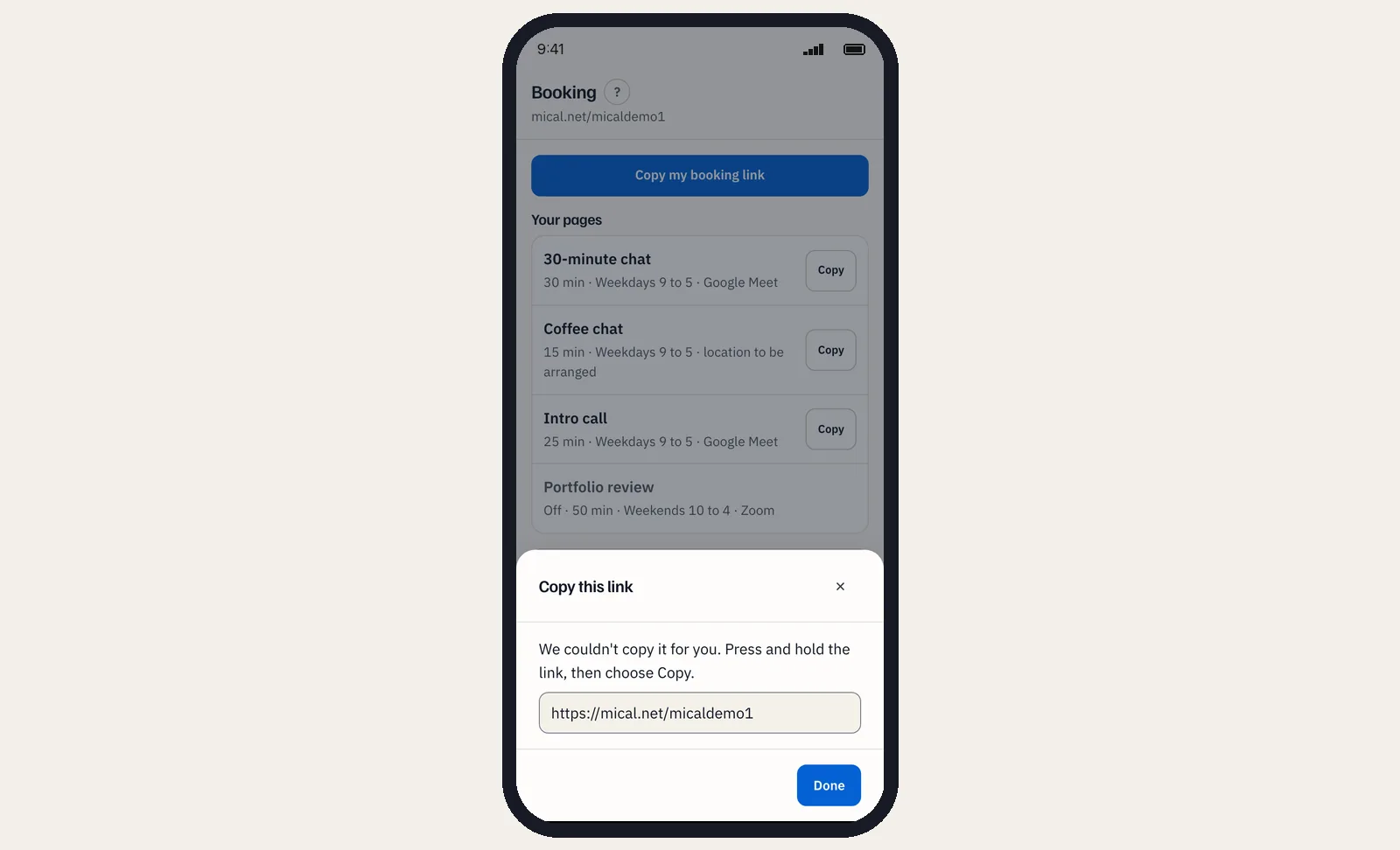
If the phone cannot copy, the Copy this link sheet opens. Press and hold the link, choose Copy, then tap Done.
You set your handle and page addresses on the web.
Still stuck? Email support@mical.net. Privacy · Terms