Fix a sync that stopped
A sync usually stops for one of three reasons: MiCal lost access to an account, the flow is off or paused, or its last run failed. Each leaves a mark in MiCal.
Steps
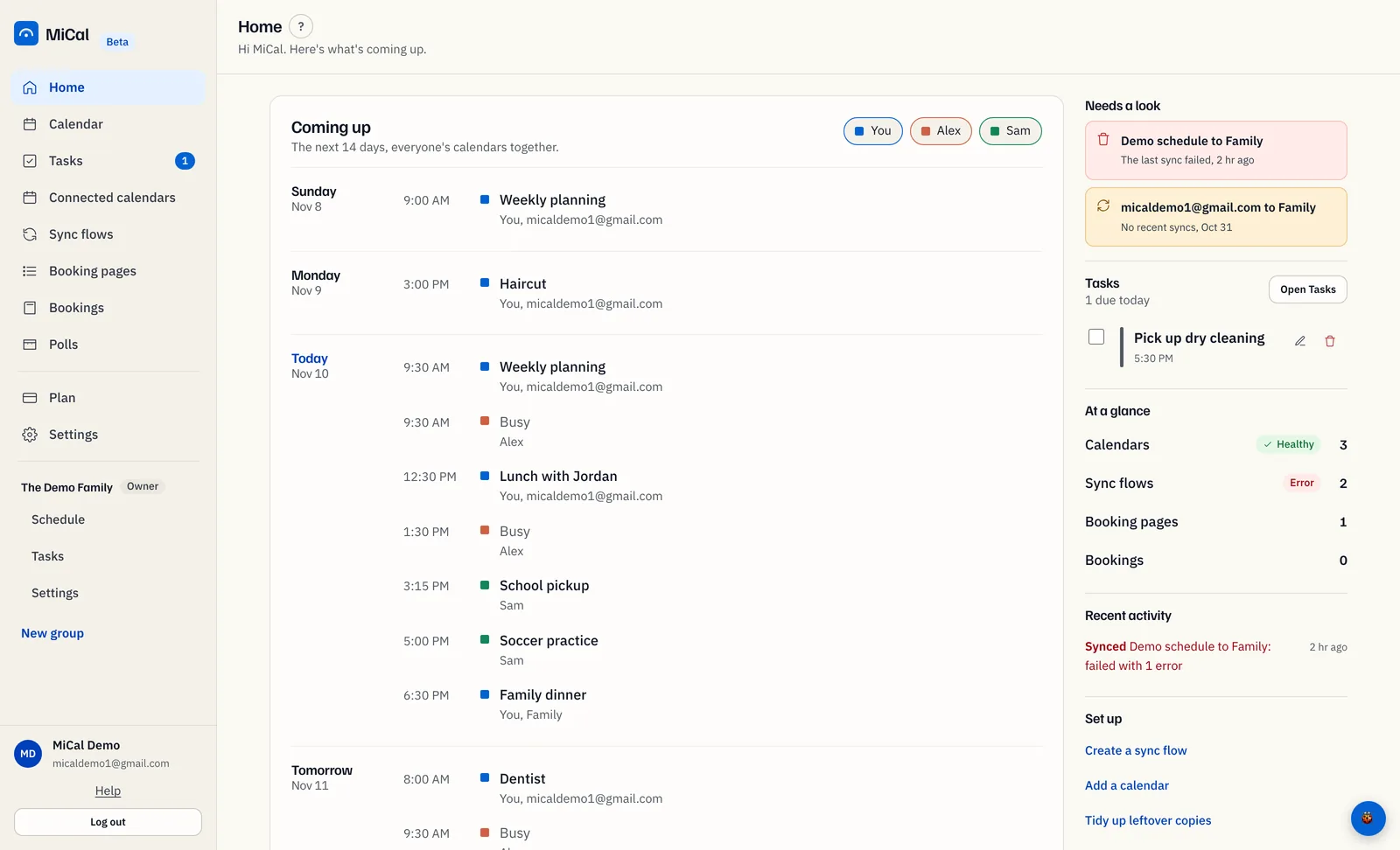
Open Home. Under Needs a look, each row names a flow and says either The last sync failed or No recent syncs, with when it last ran (for example "2 hr ago", or a date after a week). Select a row to open Sync flows. This list is hidden while every flow is fine.
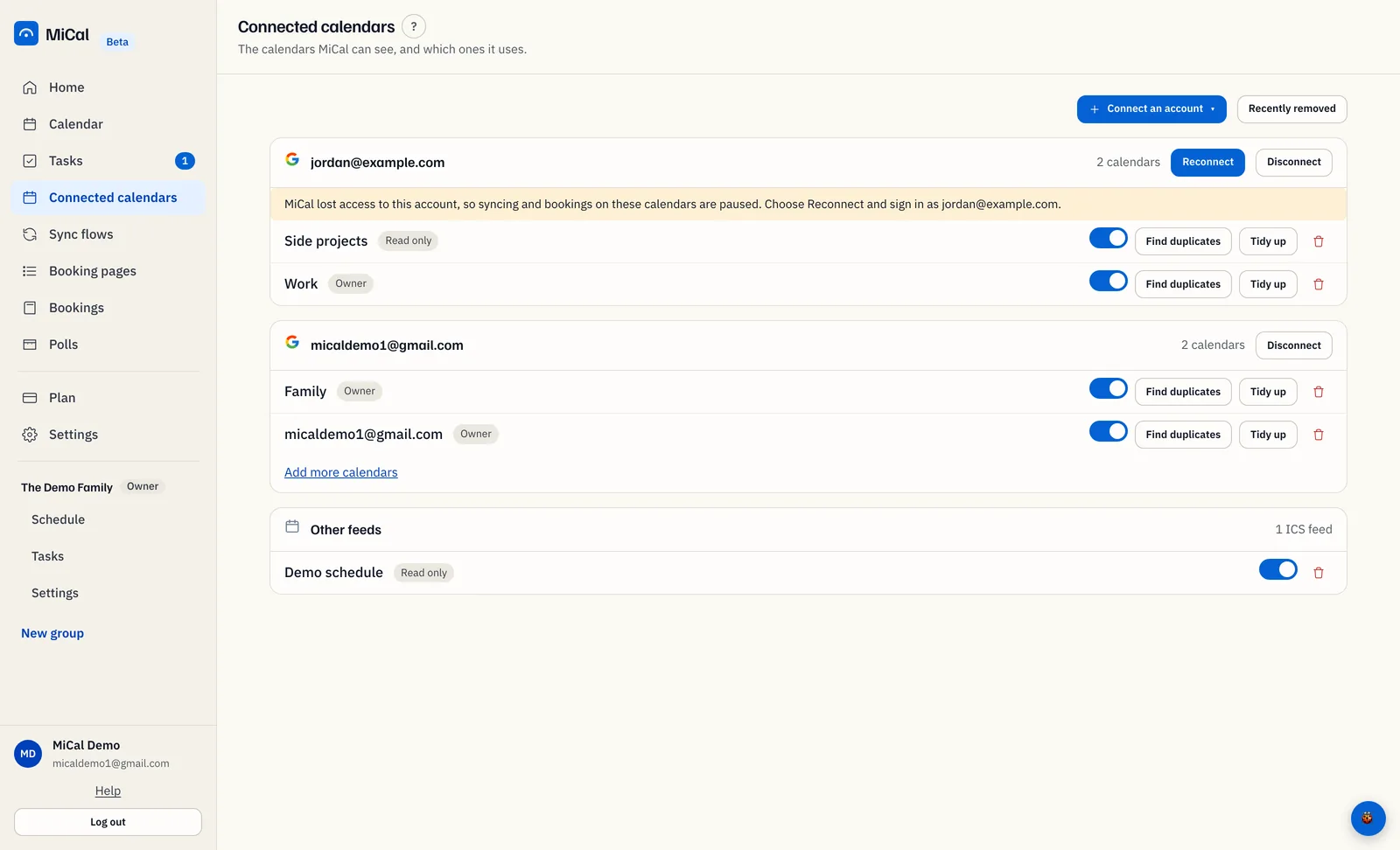
Open Connected calendars. An account MiCal can no longer reach shows a Reconnect button (Reconnect iCloud for iCloud) and a note that syncing and bookings on its calendars are paused. Select the button, sign in as that account, and approve every permission. For more help, see Reconnect an account.
Open Sync flows. A flow whose toggle is off is not running. Turn it on. A Paused, upgrade to resume badge means the Free plan runs 1 flow and this one is waiting. Select the badge to open Plan, or turn another flow off.
Select the magnifier icon (Preview changes (writes nothing)) to see what the next run would do. Select Sync now to run it. If MiCal says "This sync flow is already running", wait a minute and try again.
What the health pill means
On Home, the Sync flows row under At a glance has a pill. It counts only flows that are on.
Healthy: the last run was less than 24 hours ago.
Stale: the last run was 1 to 7 days ago.
Needs attention: the last run was more than 7 days ago.
Error: the last run failed.
Hasn't run yet: the flow has no runs. This is normal for a flow you just made. It runs within about 10 minutes.
One pill speaks for all your flows. Error wins, then Needs attention. Only flows in those two states appear under Needs a look. Recent activity on Home lists the latest runs, including ones that failed or did not finish.
Notes
Only the affected account pauses. Calendars on your other accounts keep syncing.
Reconnecting always opens the provider's consent screen. Approve every permission, or access stays revoked.
MiCal emails the account owner the first time access is revoked.
Bookings on a paused account are paused too, until you reconnect.
Still stuck? Email support@mical.net. Privacy · Terms